 OGame
The Settings menu gathers the options that apply to the whole bot and the profiles that set up several menus in one go.
Guided setup (presets)
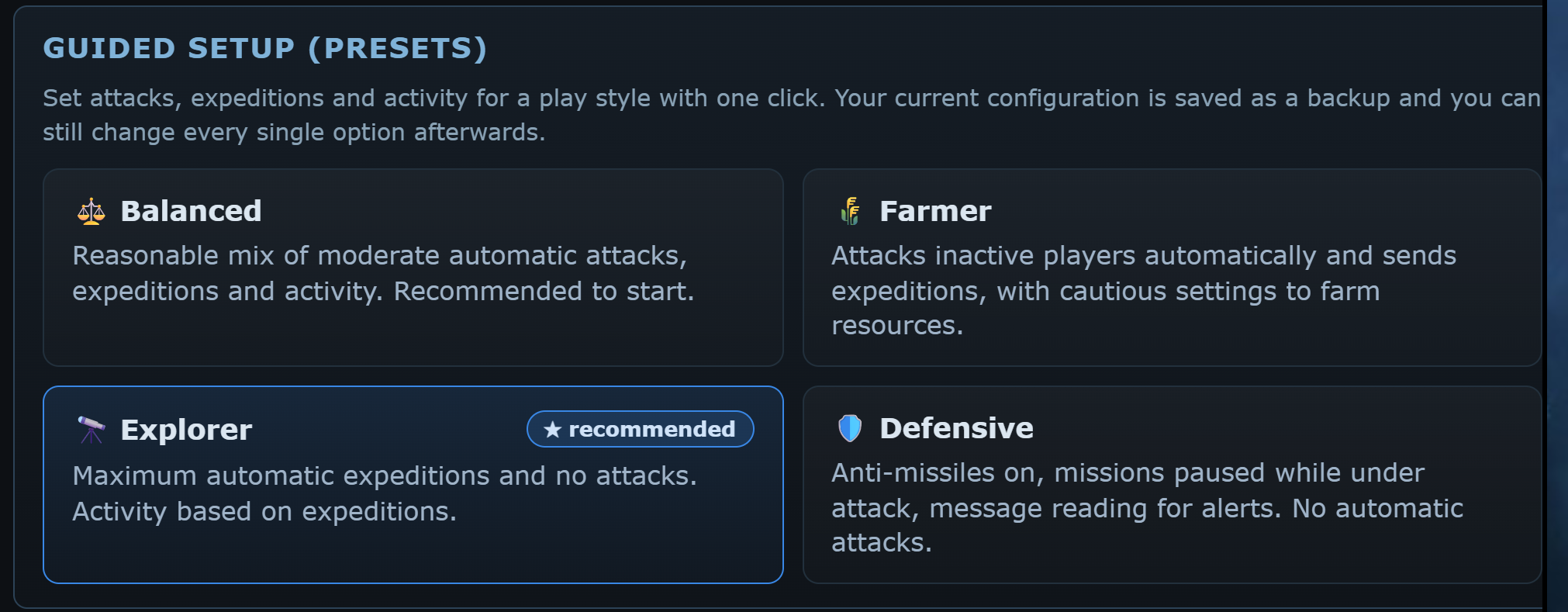
The presets are tiles with a title, a description and, on one of them, the ★ recommended mark: tap the one that fits you. Each sets attacks, expeditions and activity together for a play style:
- ⚖️ Balanced: moderate automatic attacks, expeditions and activity. The recommended starting point.
- 🌾 Farmer: attacks inactive players automatically and sends expeditions, with careful thresholds.
- 🔭 Explorer: as many expeditions as possible, no attacks, activity based on expeditions.
- 🛡️ Defensive: anti-missiles, missions paused under attack, message reading for alarms. No automatic attacks.
The preset marked ★ recommended is chosen from your class and account age: Explorer for the Discoverer, Farmer for General and Collector, Balanced for a brand-new account.
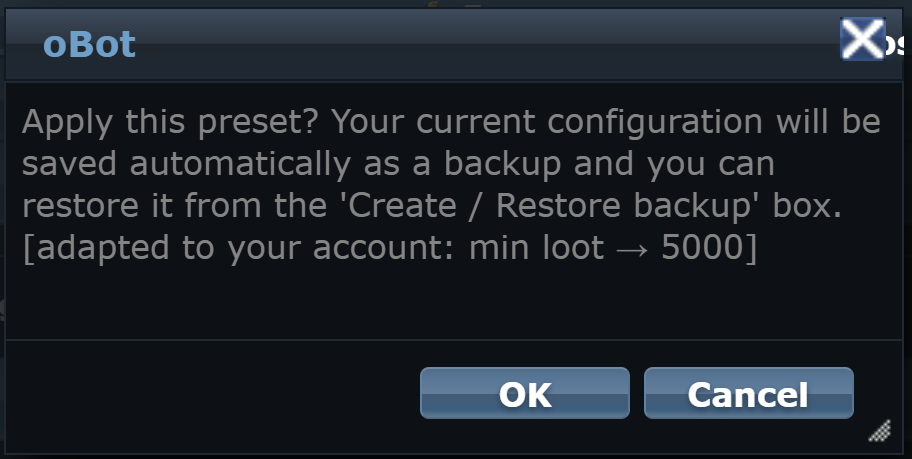
Before applying it the bot asks for confirmation and shows what it adapted to your account: the minimum loot threshold grows with the universe speed, expeditions never exceed your Astrophysics slots and on a new account the attack waves stay careful. With OK the bot saves the current configuration as a backup and applies the preset. Afterwards you can change every single option in the menus.
Backup and reset
- Create backup configuration saves a copy of the current configuration on the server.
- Restore backup, followed by the date, puts the saved configuration back. Applying a preset also creates a backup.
- Reset configuration puts every option back to its initial value. Make a backup first if you may want to go back.
General settings
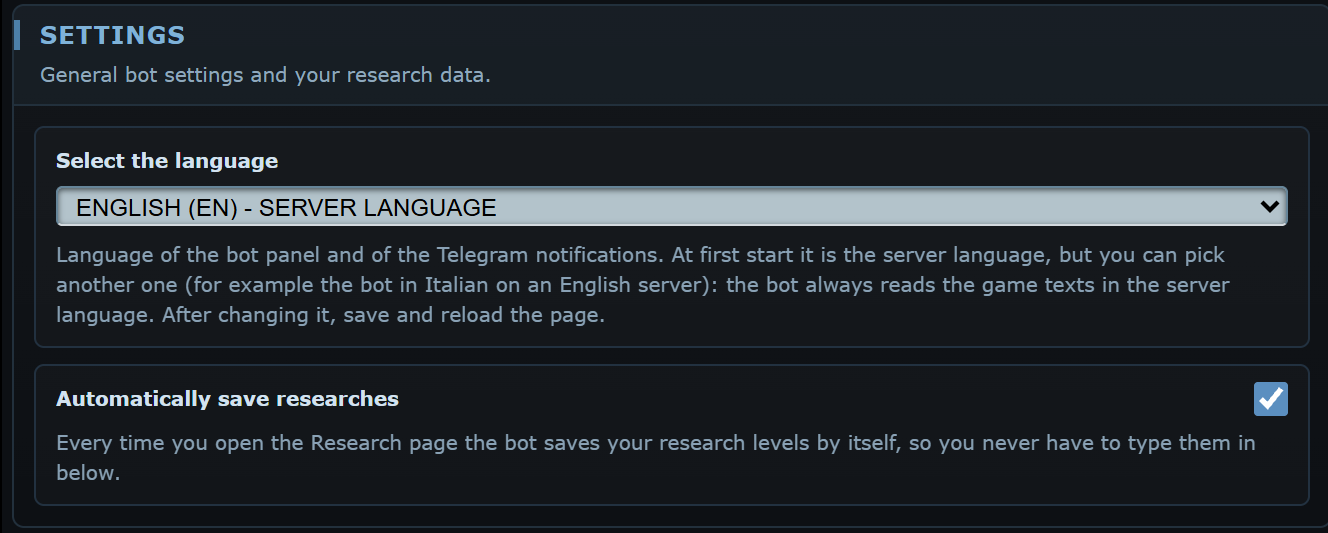
Select the language
Update notice
Research
Automatically save researches
Hyper Technology, Astrophysics, drives
Commander functions
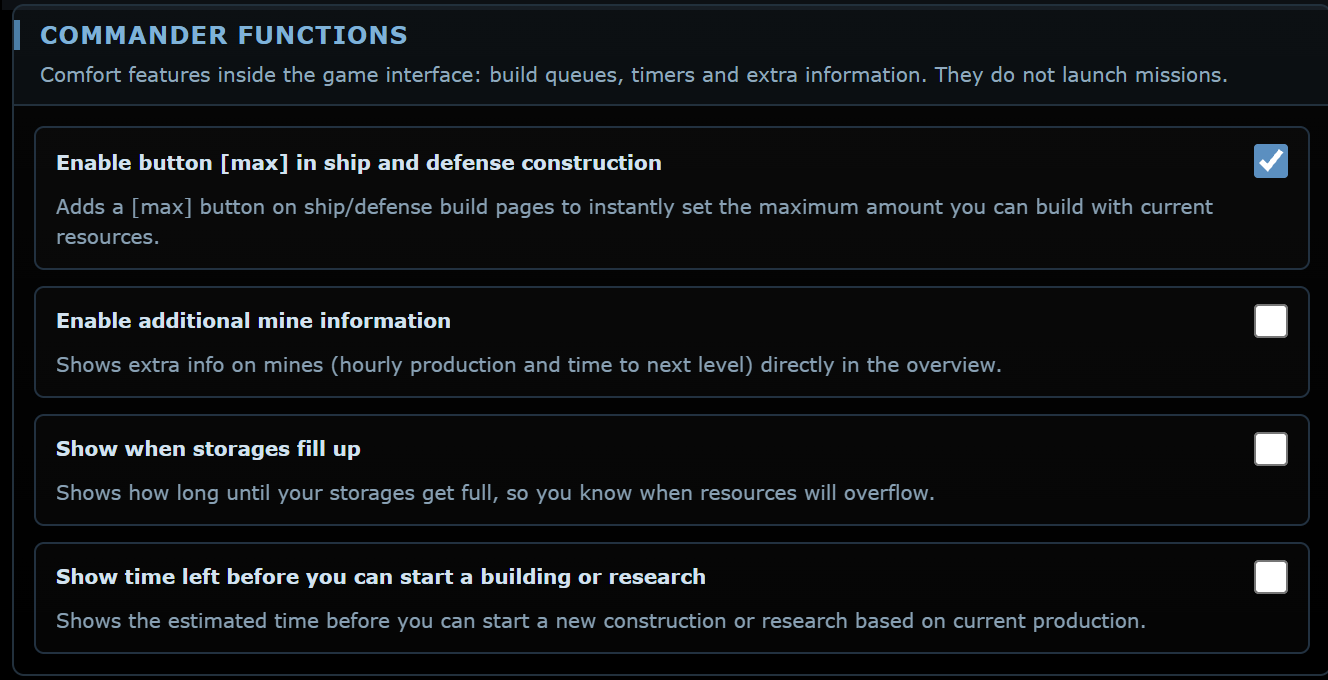
Conveniences inside the game pages. They do not launch missions.